Introducing Hudl Playlist Integration in FastScout
3 Jun 2026
3 min Read
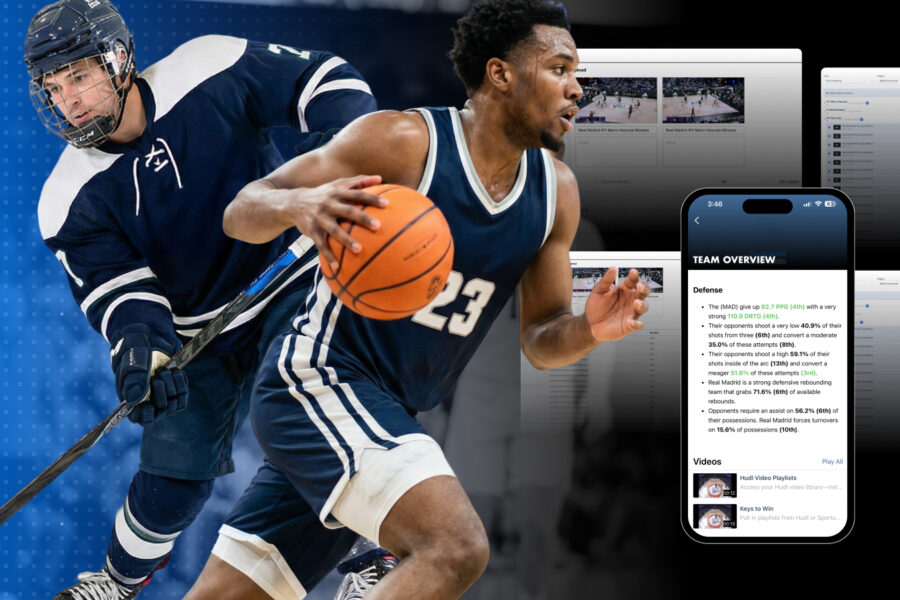
It’s 11:00 PM. Tonight’s game just finished processing, and you’re staring at two screens: one with your Hudl playlists and another with your FastScout report. For years, these have been two separate worlds. You’ve had to download clips, re-upload them, or manage the gap between your detailed video library and your final scouting document.
But what if your video lived exactly where your notes do?
For a scouting report to actually stick, it can’t just be a wall of text or a box score. It has to be seen.
We’re bringing this workflow closer together with the new FastScout + Hudl Integration. We’re closing the gap between your video workflow and your prep work, making your scouting reports a true "one-stop shop" for your roster.
How It Works: From Playlist to Report in Seconds
We’re constantly trying to simplify the work of our analysts, so that means removing steps as much as possible. Adding video to your reports is meant to provide everyone with a native, seamless experience.
Select Your Tile: Choose the specific section in your FastScout report where you want the video to live.
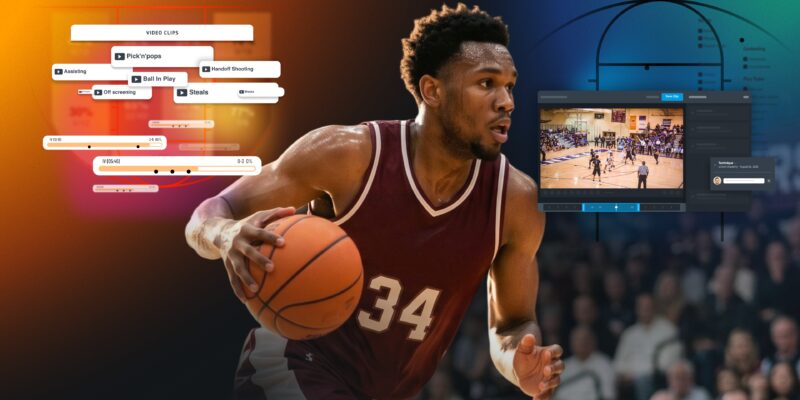
Browse Your Library: Access your Hudl Playlists directly within the FastScout interface. You can narrow your search by label or add clips to athletes directly from a Hudl Sportscode playlist.
Instant Access: Once linked, the video is live. Players and coaches can watch film without ever leaving the app.
This works across the entire ecosystem. Whether players are on their laptops or using the FastScout mobile app, the film is right there in their pockets.
Why This Changes the Game
This isn't a workflow tweak — it's a fundamental shift in how your staff operates between the film room and the report.
When you add a clip to your Hudl playlist after a report's already been sent, FastScout updates automatically. Your staff is always working off the same version. No chasing down outdated files, no re-sending.
If your program is already running Hudl and Sportscode, FastScout now plugs directly into that ecosystem. No exporting, no third-party tools, no manual steps between platforms. The workflows you've already built just got more powerful.
Two Ways to Build Your Report
We built two distinct methods because no two staffs work the same way.
Tile-by-tile precision is built for specificity. Bring your Keys to Win to life with live-action film. Link a Hudl video playlist directly next to your main defensive or offensive game plan focus. Browse, attach, done. Every priority is backed by video proof.
Add Clips to Athletes is built for volume. Sportscode users can take a single playlist and automatically assign clips to multiple personnel tiles in one step — faster and more intuitive than the previous integration. If you're building full opponent breakdowns at scale, this is where you'll feel the difference most.
Put It Into Practice
Two situations where this changes your prep immediately:
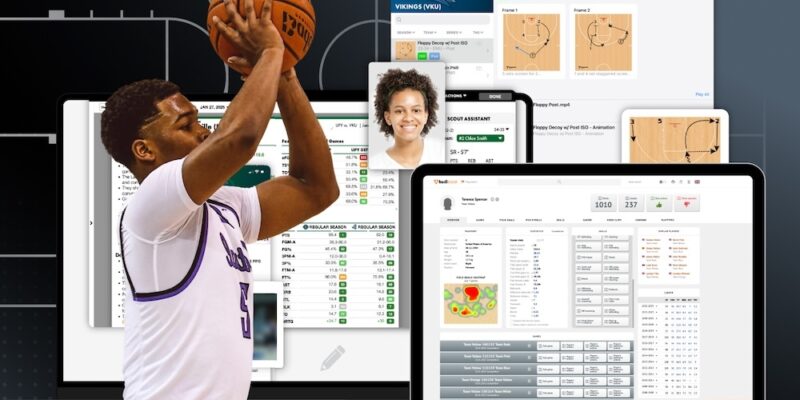
Personnel scouting: Link your transition defense playlist directly to the opposing point guard's profile tile. Your staff sees the player and the evidence in the same place.
Practice prep: Push your scout team playlist through the app before practice. Your guys have already studied the looks before their feet hit the hardwood.
Ready to Streamline Your Workflow?
The days of bouncing between apps are over. Hudl and FastScout now operate as one connected system — less time on manual uploads, more time on the stuff that actually wins games.