
Hudl for Volleyball Guide
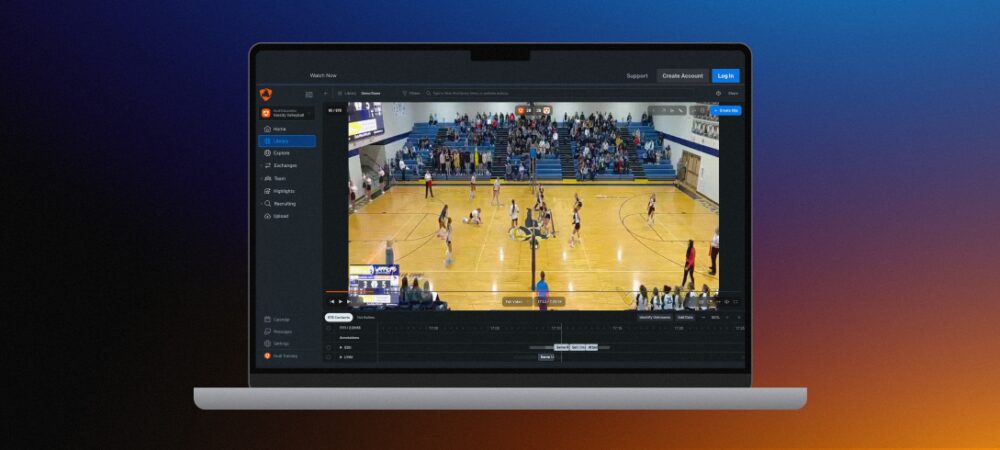
Product Demo
Watch a demo of the product.
Getting Started
On this page: Getting Started Overview, Login & Access, Add Your Schedule and Communicate With Your Team
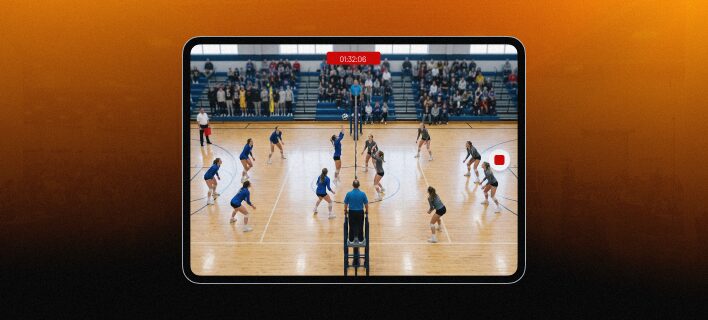
Record and Upload
On this page: Recording Requirements, In-App Recording, Upload from a Computer, Setting Up Your Videos, and Hudl Focus
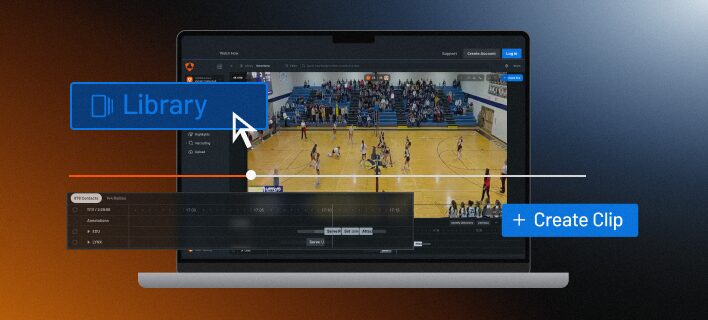
Navigate Your Video
On this page: Explore Video Interface, Comment on Clips, Draw on Your Film, Save Clips & Playlists, and AI Overlays & Trajectories
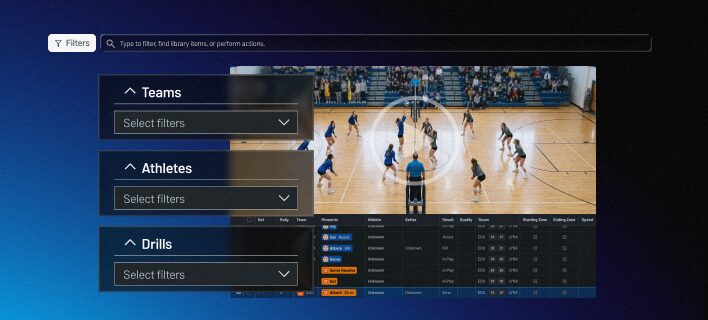
Filtering
On this page: Filtering via the Filters Panel and the Search Bar
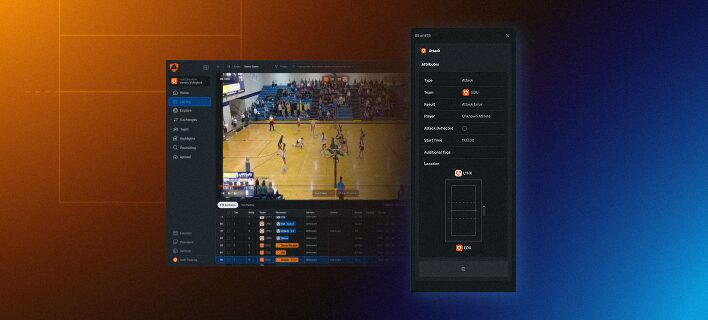
Completing Data
On this page: Verify Set Details and Scoring, Edit Starting Rotations, Court Corners, Review Missing Data, Review Unidentified Athletes, and Regrade Contacts
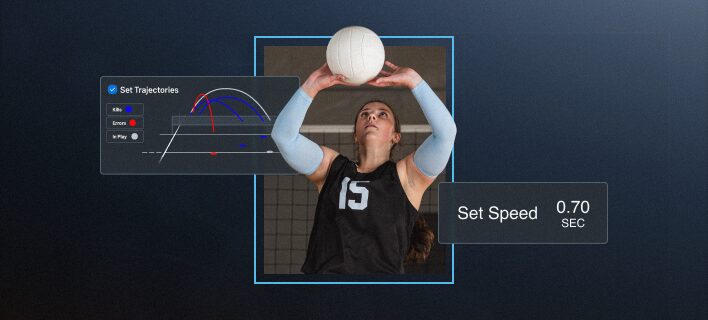
Reports
On this page: Athlete Stats, Team Stats, Box Score, Attack Tendencies, Rotations, Setter Tendencies, Trends, 3D, Goals
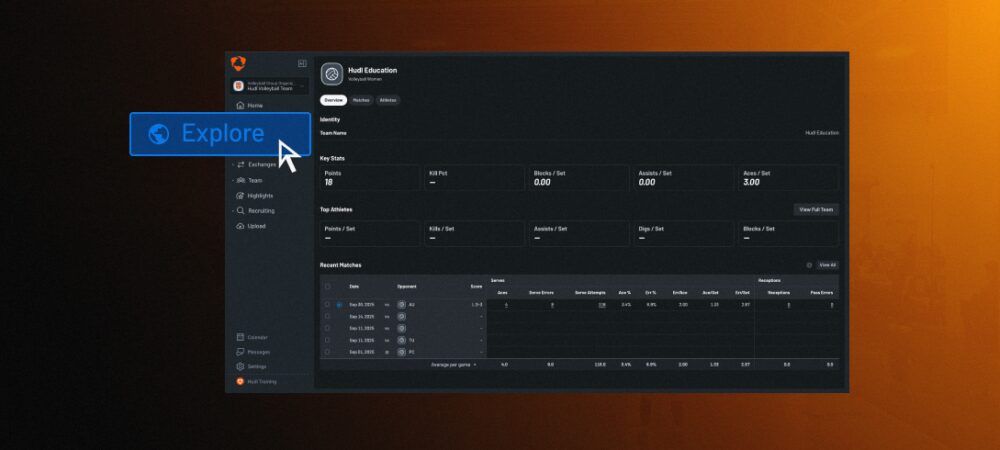
Explore for College & Pro Teams
On this page: What is Explore, Stats & Videos, Reports, Save Clips to Create Playlists, Share Video and Practice AI Breakdowns
Practice Analysis
Watch a demo of your practice workflows.
Build Highlights
On this page: Tag Clips for Highlights, Create a Highlight and Highlight Video Tips
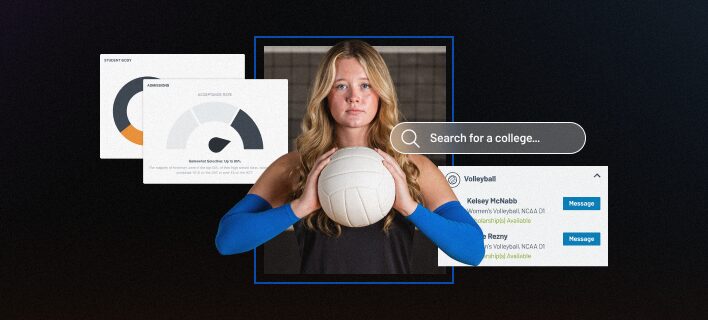
Recruiting Tools
On this page: Athlete Profiles, Navigating the College Search

Support and Resources
On this page: Additional Resources and Contacting Support