
Just be there.
You’re showing up. But are you there for it? For your athlete, your team, the moments you don't want to miss — Hudl puts you in the middle of it all.


Get started with early access to Hudl for Parents today.
Somewhere along the way, staying close got complicated.
- You’re at every game — phone up, recording, half-watching through a four-inch screen.
- The schedule lives in three apps and a group text, and you’re still asking what time the game starts.
- You showed up as a logistics coordinator or videographer. You didn’t get to be there as a parent.
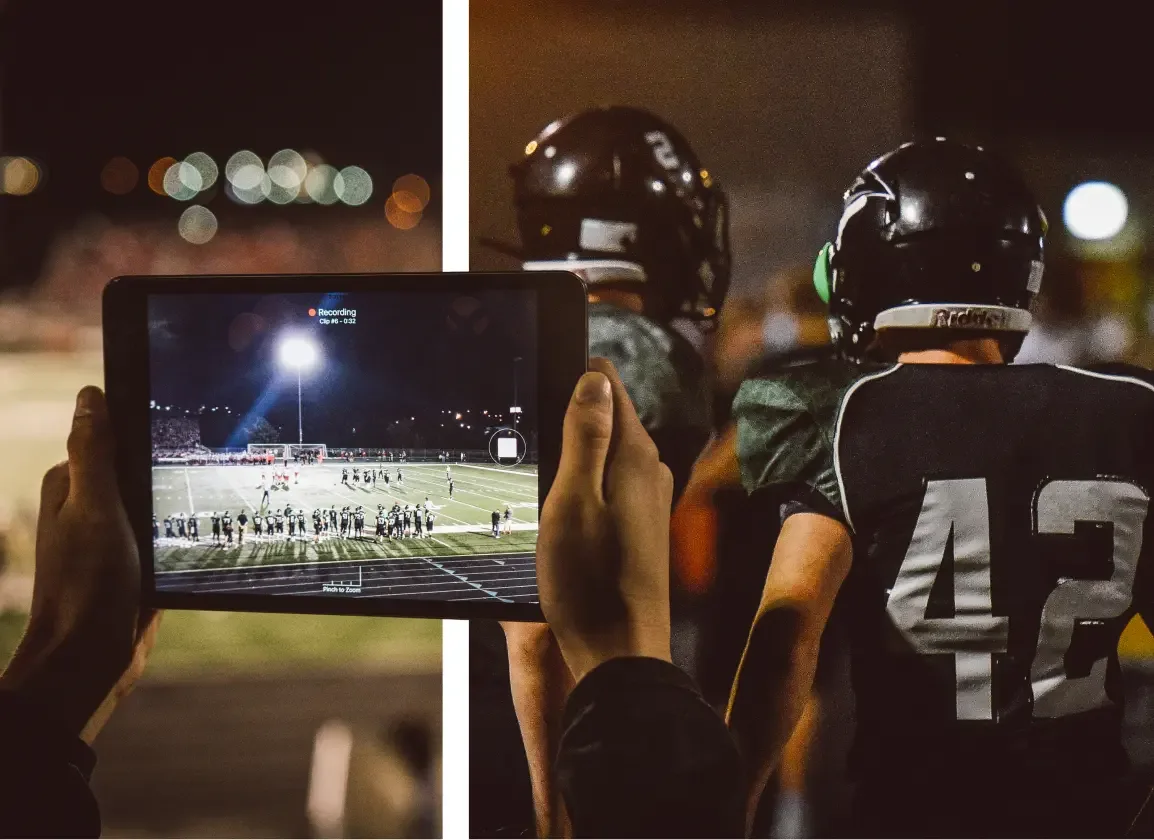
The game never changed. How you experience it finally can.
Get started by connecting with your athlete on Hudl.
Your athlete gets added to their team.
The parent experience lives where their team already does.
You and your athlete connect.
They can invite you or you can initiate it on your end.
You’re in.
Open the Hudl app and see their highlights, their schedule, building as the games stack up.
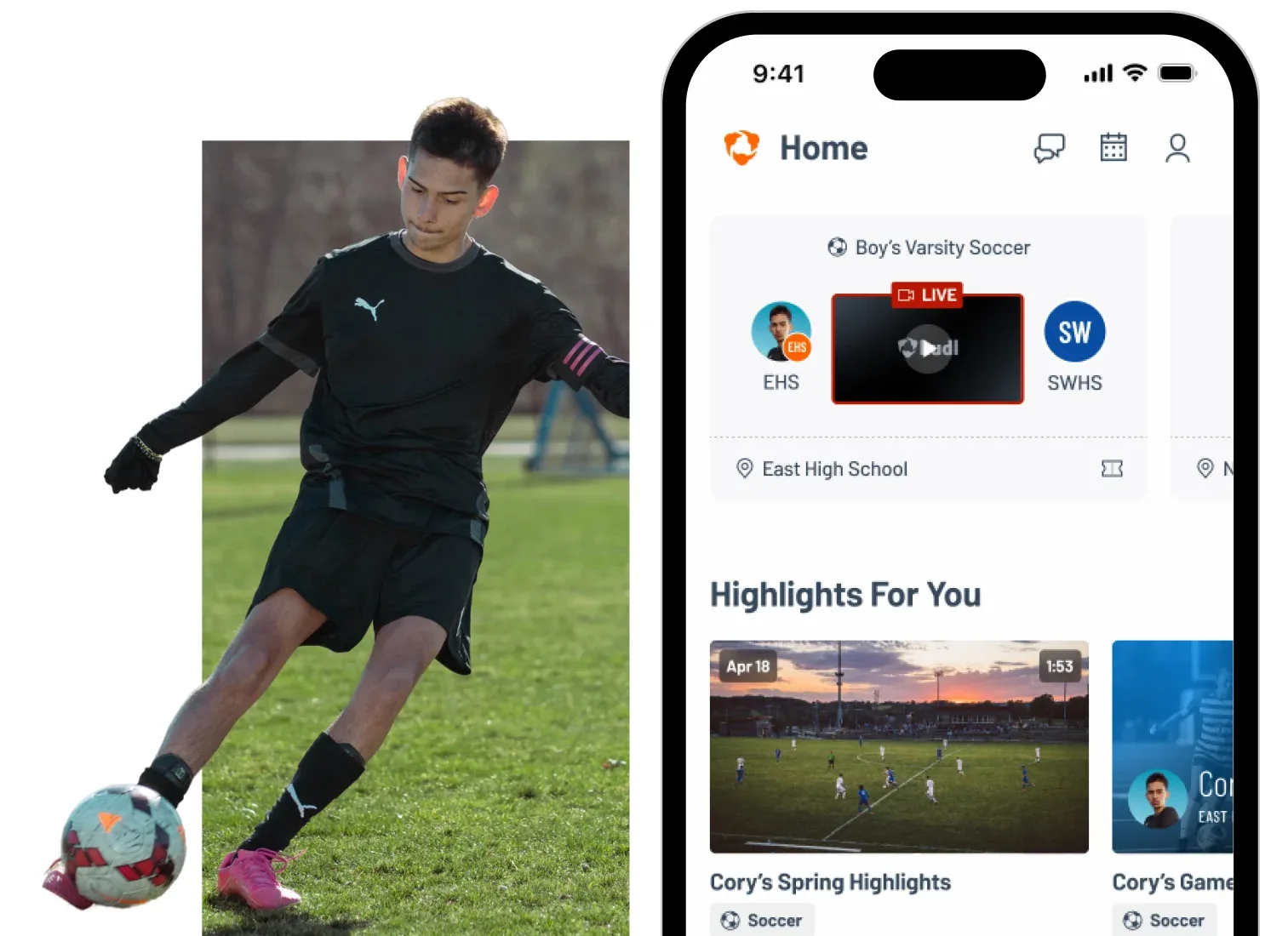
For Fans: Everything you had. Now even better.
Your Hudl Fan experience is moving into the Hudl app. The teams you follow, the athletes you watch, the community you connect with. All of it, in one place.
Now with a fresh look and a simpler way to find what matters.
- Livestreams: watch live, wherever you are
- Highlights: the plays worth rewatching
- Tickets: purchase event tickets on your mobile device
- Schedules + Rosters: who's playing, and when
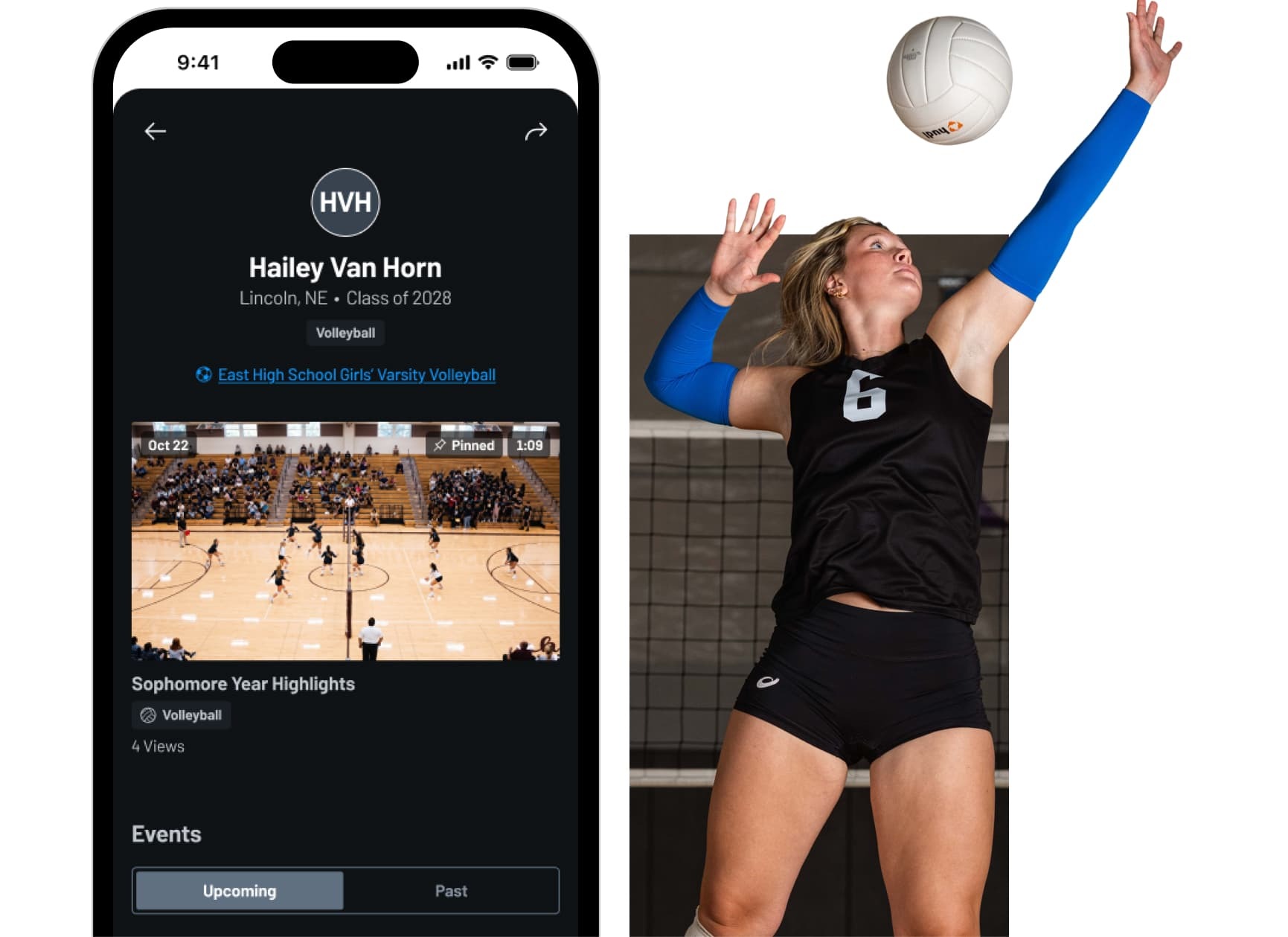
Your kid won’t remember the score. They’ll remember you were watching.
Whether you’re in the stands or on the road, Hudl is where those moments live.
Get started with early access to Hudl for Parents today.
FAQs
- My child's team uses Hudl, how can I watch their games?
Each team has a unique Hudl profile which are hubs for finding upcoming games, watching event livestreams and finding highlights. You can search for a school’s profile at fan.hudl.com or on the Hudl app.
- I want to watch a particular athlete’s highlights. How can I watch their reels?
Every Hudl athlete has a unique player profile that contains highlight reels. You can find player profiles using the Hudl app, or the athlete can share their profile link with you directly. You can also search for a specific player on fan.hudl.com.
- How do I sign up for Hudl?
Your coach or organization needs to purchase Hudl and add you to the team roster. If your team is on Hudl, ask a coach or team manager to send you an invite code. If you already have a Hudl account you can log in here or download the Hudl app.
- How can I upload highlights for recruiters to see?
Coaches and administrators upload your game or practice video, then you can use that film to create highlights. Be sure to opt-in to your recruiting profile to make those highlight reels discoverable by college coaches or recruiters. Then, any reels that you create on the Hudl app will populate on your page. Learn more about creating highlights.
- How can I follow other athletes?
Many athletes want to show support for fellow competitors. To get updates on other athletes you’ll need to search for their profile from the homepage, then click “follow” on their profile. Once you’re following their page, you’ll see any new highlights or posts they share on Hudl.