

AI-Powered Volleyball Stats for Development and Recruiting
The breakdowns teams and athletes want–faster than ever. Unlock detailed data, powerful analytics and easy-to-use visual reports.
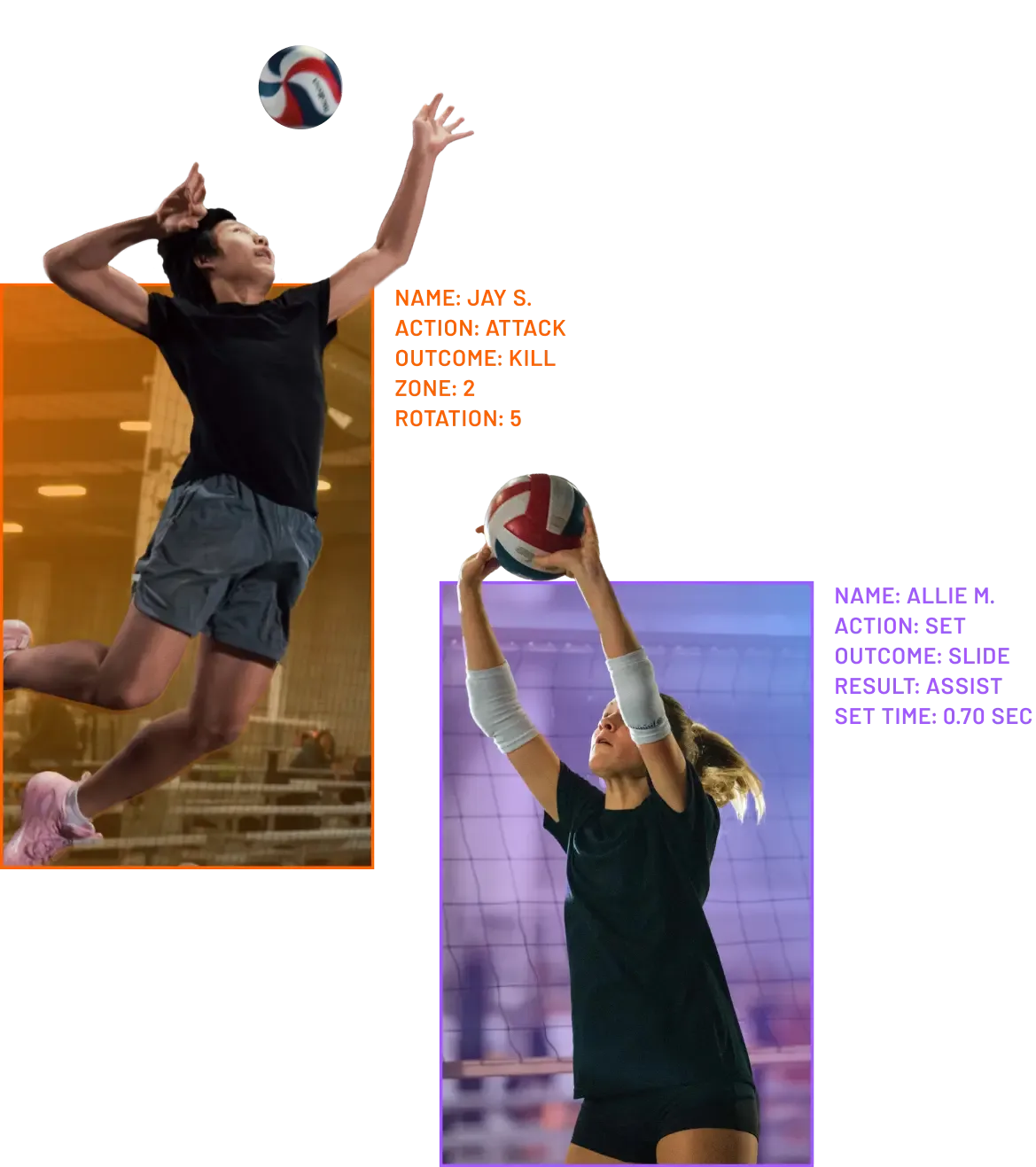
AI Volleyball Stats. Delivered.
Discover the seamless experience of Hudl Assist Powered by Balltime AI.
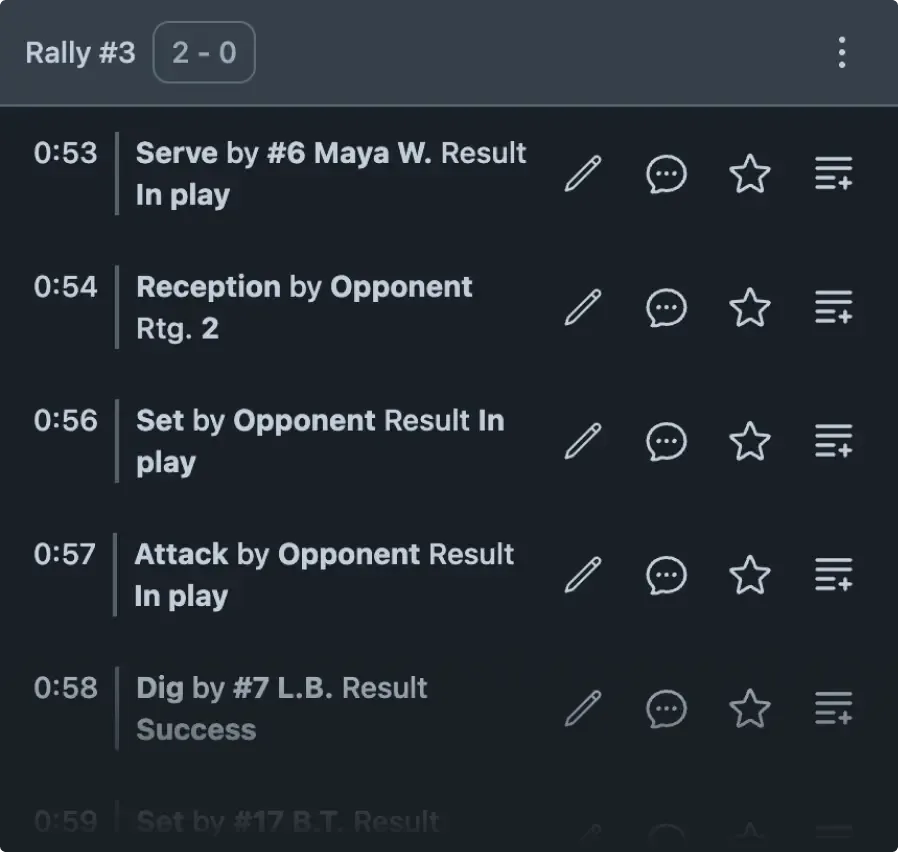
Film Breakdown Simplified
Break down volleyball film — no coding or tagging required. Just upload your game to give coaches and players fast access to insights. The AI identifies every player touch and result, cuts dead time, and surfaces key moments for development and highlights.
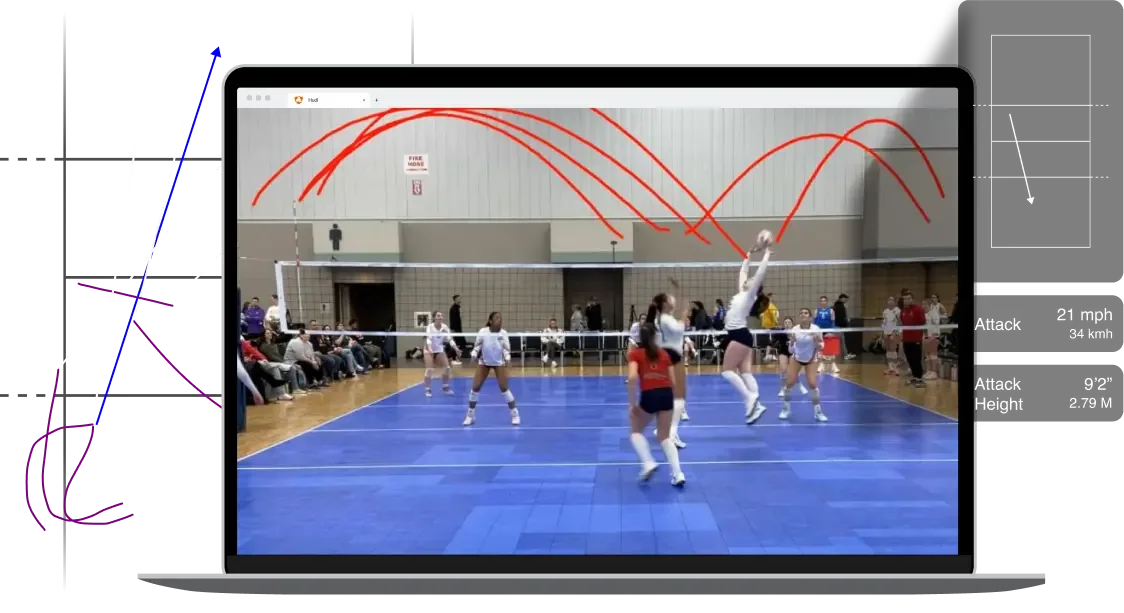
See and Understand with Visual Overlays
Get powerful context for every touch — from the curve of a serve to the path of a pass — right from your film. These visuals help coaches and athletes dig deeper and quickly spot trends, understand decision-making, and encourage refinement of key skills. When you can see everything, you get the clearest view of what happened to what matters — and what to do next.
Not Just Numbers, But Insights
Turn every match or practice into a map of measurable performance with player stats, rotational stats, trends, and tendencies all linked to video. Just click a stat, then watch. With insights grounded in context, you can assess performance, adjust strategy, and build smarter training plans—fast.
Automated Summaries Tell the Story
AI performance summaries recap your film — from full matches to individual sets — into a clear, structured overview. By combining video and data to highlight key trends in seconds, you get a fast, accurate foundation to guide deeper analysis.
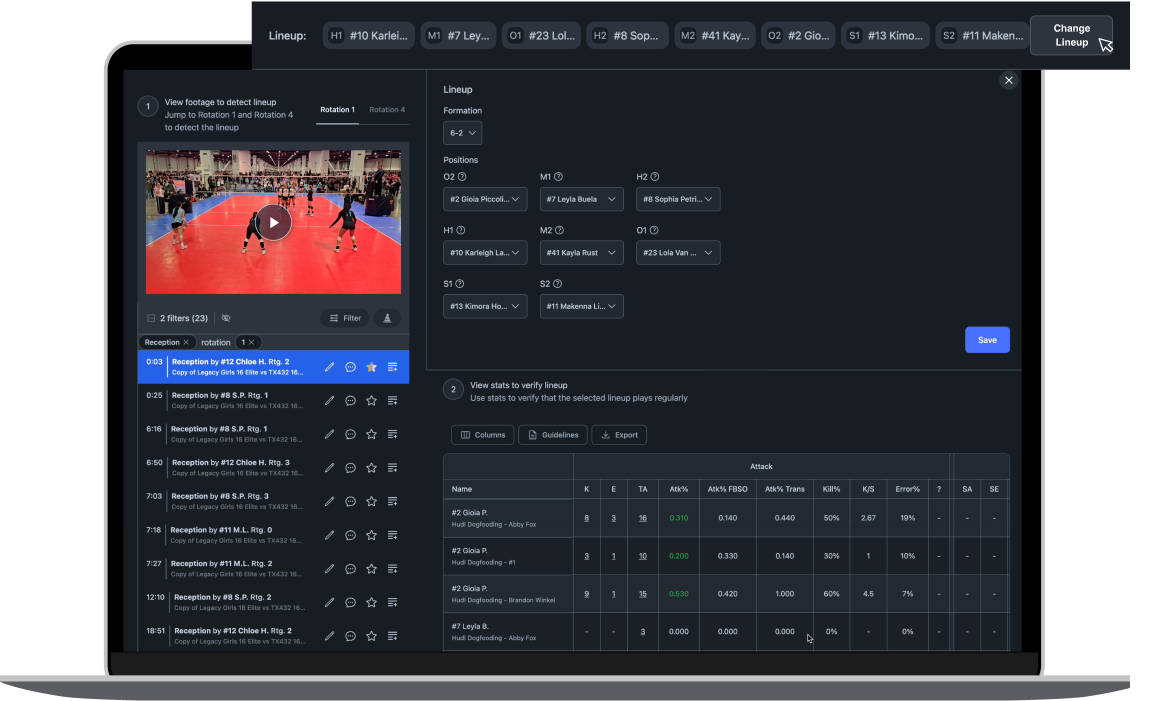
Stay Steps Ahead
Fast insights create winning opportunities. Get rich opponent scouting — fast — so you spend less time searching and more time preparing. Your competitive edge comes from speed and clarity when it matters most.
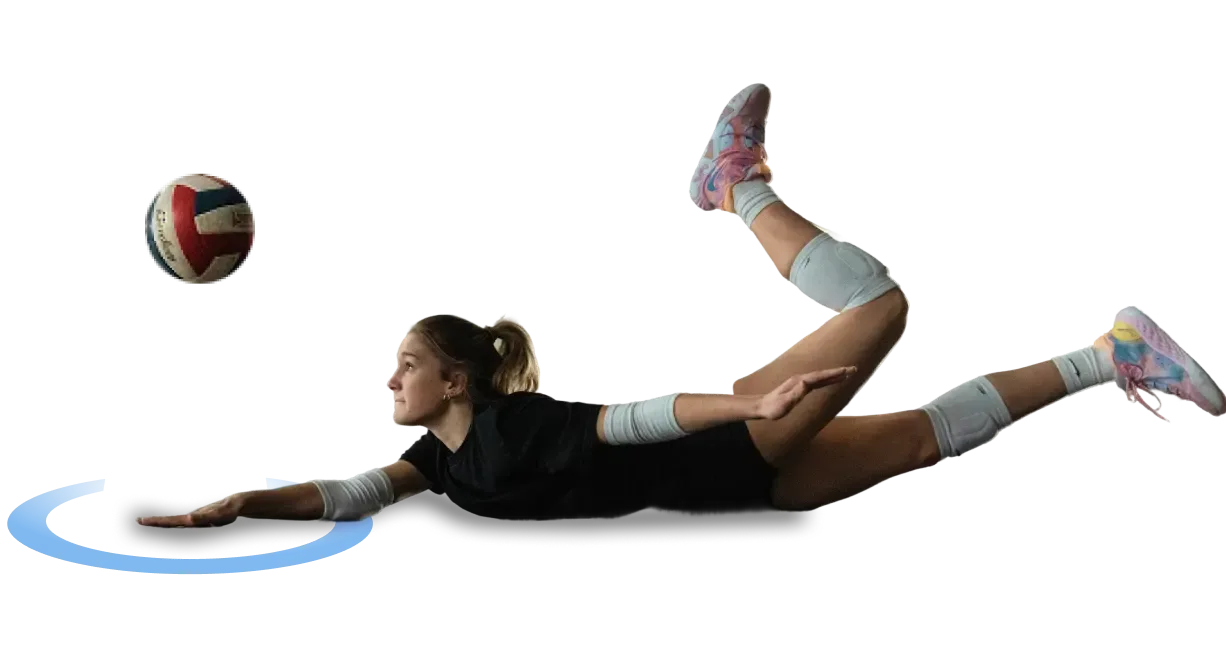
Collaborate, Coach & Get Recruited — All in One Place
Get AI-powered analysis that seamlessly integrates with the data and breakdowns coaches and athletes need, giving clubs a single hub to power every part of their program. Find moments that celebrate player growth, build playlists to analyze and share insights, or build your best highlights and send them to college coaches using built-in search and contact tools.
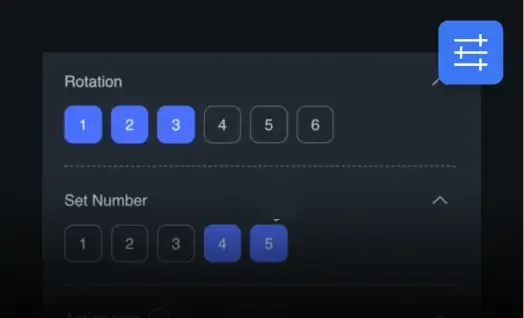
Filter
Sort through video with filters by player, rotation, match, outcome, or action and result.
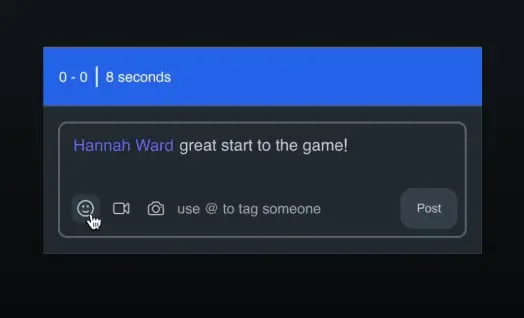
Comment
Give an athlete recognition or share a coaching moment directly with them.
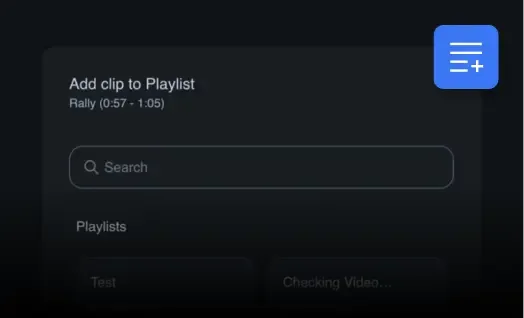
Create Playlists
Curate playlists so athletes can review sets of their most valuable moments.
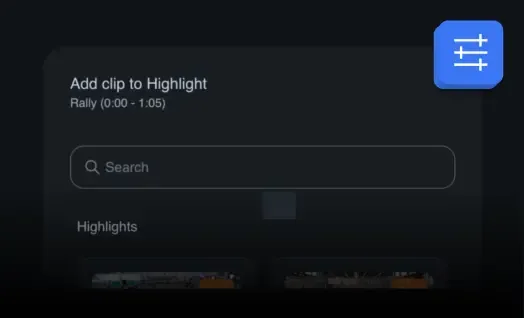
Share Highlights
Create and share standout moments for recruiters and fans alike.
Wherever you play—on the court or in the sand—it works for you.
See it in action.
Schedule a demo today to get a first-hand look.
Available for:
Club volleyball: Match and practice breakdowns.
College volleyball: Practice breakdowns, with match breakdowns available through Volleymetrics or Hudl Assist.
High school volleyball: Match and practice breakdowns coming in 2026. Join the waitlist to be the first to know.