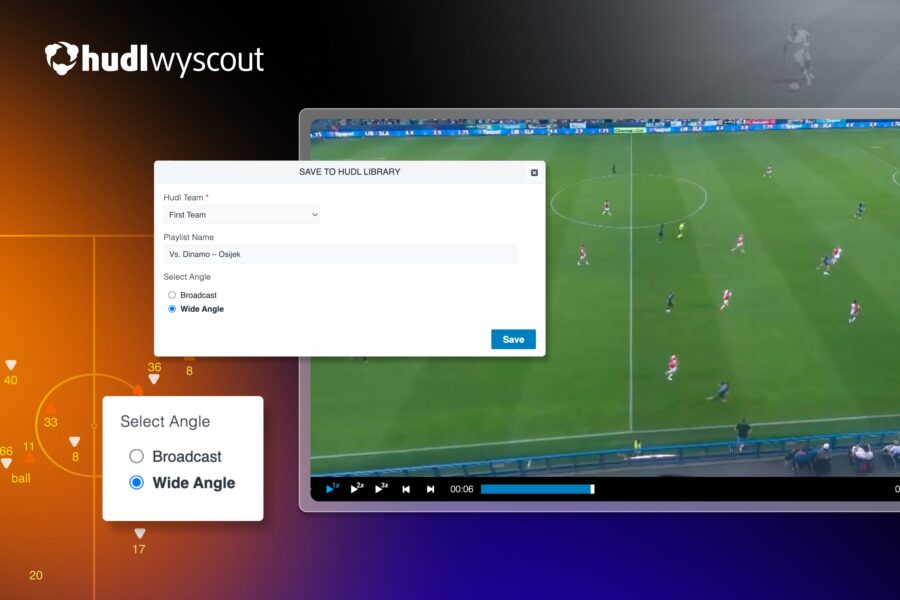
The tactical wide angle now sends straight from Wyscout playlists to your Hudl library. One click, a few seconds, ready to tag, clip and share.
Until now, sending a Wyscout playlist to Hudl meant sending the broadcast feed. Now you can choose the tactical wide angle instead. This matters because the two angles answer different questions about a match, so picking the right one at the point of sending saves the analyst from working around the wrong footage later.
Regardless of whether you have never sent a playlist from Wyscout into a Hudl library at all or use the workflow every week, the sections below cover everything you need to know..
What lands in your Hudl library
A full playlist, in the angle you selected, a few seconds after you click send.
From there the video behaves like anything else in the library. It can be clipped, tagged, organised into playlists and shared with coaching staff, and it sits alongside your own training and match footage rather than in a separate place with a separate login.
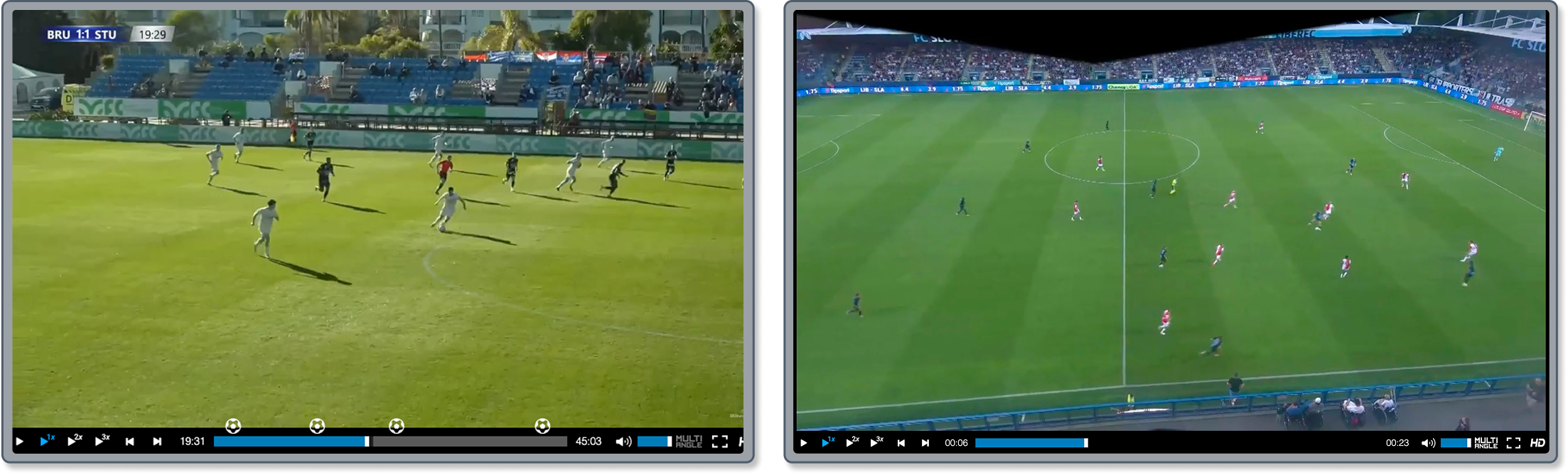
Defensive shape is the clearest example. To understand how a back four held its line, how the distances between units changed under pressure, or whether a full back tucked in or stayed wide, you need to be able to see the players who were nowhere near the ball at the time. The broadcast frame simply does not contain them.The same applies to pressing, off-ball movement, rest defence and team shape in transition.
Set pieces sit somewhere between the two. A corner routine is a structural problem, with runners, blockers and rest defence all moving at once, and the tactical wide view captures the whole thing. The broadcast cut usually gives you a better look at the contact on the ball. Departments working seriously on set pieces often want both playlists, once in each angle..
The practical answer is that most analysis departments want both angles as a matter of routine. Wide footage for the structural work, broadcast footage for the presentation work. Choosing the angle when sending means each clip arrives in the form it is going to be used in, rather than being the version somebody has to work around later.
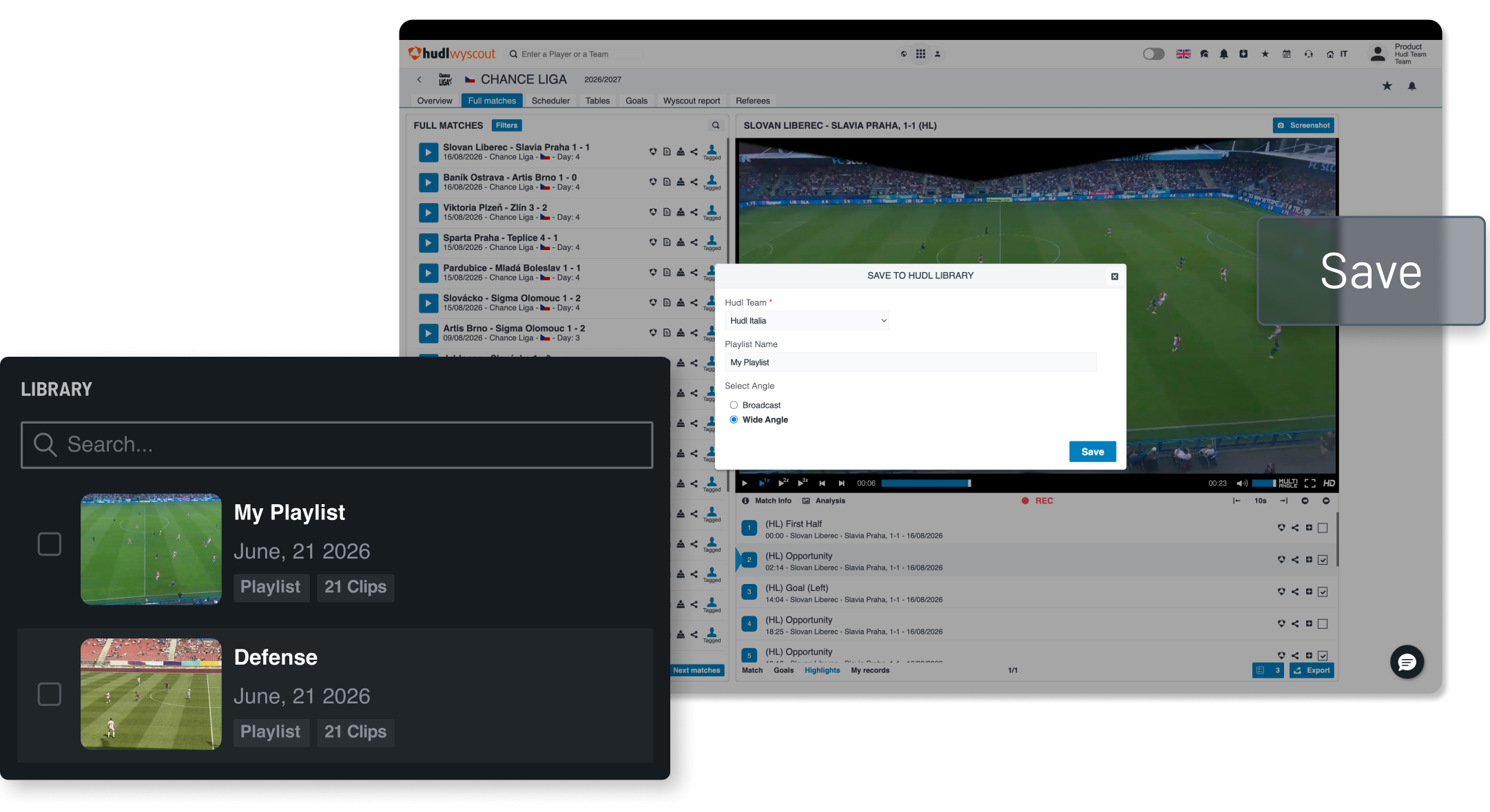
Sending a playlist, step by step
The process runs inside Wyscout, and comes down to selecting clips, picking an angle and clicking send. A few seconds later they are in your Hudl library.
Nothing is downloaded along the way. There is no export file to find, rename and upload somewhere else, and no copy of the clips sitting in a downloads folder on a laptop that somebody else in the department cannot reach. The videos move from one place to the other and appear in the platform your staff already work in.
For a department getting through several matches a week, that is the part that adds up. The tactical wide angle is useful in itself, but only if getting hold of it costs nothing.
Full step by step instructions, including what to do if an export does not appear, are in the Help Centre article below.