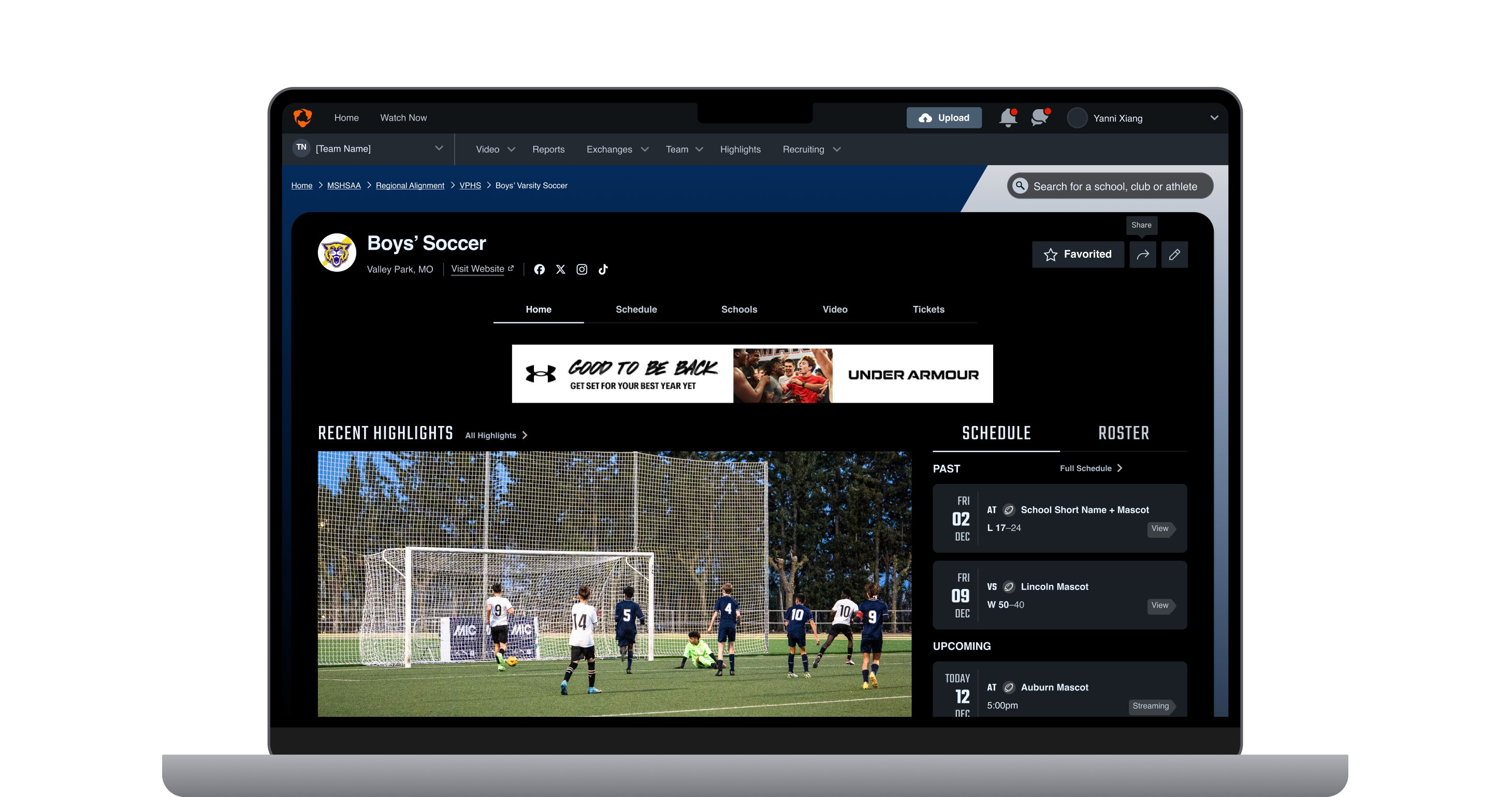
Soccer Hudl Focus Focus Flex Assist Coaching

The Essential Preseason Checklist for Soccer Coaches

5 min Read

Soccer season is here, and we have everything you need to know so you can get the most out of Hudl this year.

Here’s a checklist of everything you need to know as you prepare for the season.

Add your new schedule.

  • Add and set the cur­rent sea­son on the Schedule page so it’ll load first when you’re on Hudl​.com or the Hudl app.
  • Enter your sched­ule events and choose oppo­nents from Hudl’s drop-down menu. If you play opponents not on Hudl, be consistent with your opponent’s team names so you can see trends when playing an opponent multiple times throughout the year.
  • Select your Focus Flex camera as the event camera. This ensures Flex will automatically upload matches to your events.

Set up your roster.

A new season will inevitably bring about roster changes. Whether it’s new additions to the team or graduating seniors, you’ll need to get in and update your roster. 

Pro Tip: Make sure your roster has only one account for each athlete, and remove duplicates. This ensures stats are correct in your reports as well as for their highlights and recruiting.

Get your stats from our experts.

Submit your video to Hudl Assist or Assist+ to receive data and reports for both sides of the ball linked directly to your video.

  • Select your opponents from the drop-down list on Hudl when you add your schedule. This helps us match your opponent correctly for faster turnaround times and more accurate stats.
  • Submit your matches or scout video for full match breakdowns.
  • Save custom filters of your stats to easily see KPIs throughout the season.

Make sure the bills are paid.

Not sure if you’re set for anoth­er sea­son? Want to get on your billing secretary’s good side? Pay your bill so you have access to Hudl when you need it most. 

Have every team member download the Hudl app.

Encourage your team to download the Hudl app to review video and stay up to date on team messages. 

Get on the same page with Hudl messaging.

Communicating with your entire team or individual players has never been easier. You can easily update workout schedules and send tips to your players and coaches without fear of them missing the message.

  • Set up your messaging groups for specific positions.
  • Chat with your coaches to make sure the messages you send are consistent and relevant.
  • Lay the ground rules with your athletes for what types of messages to send.
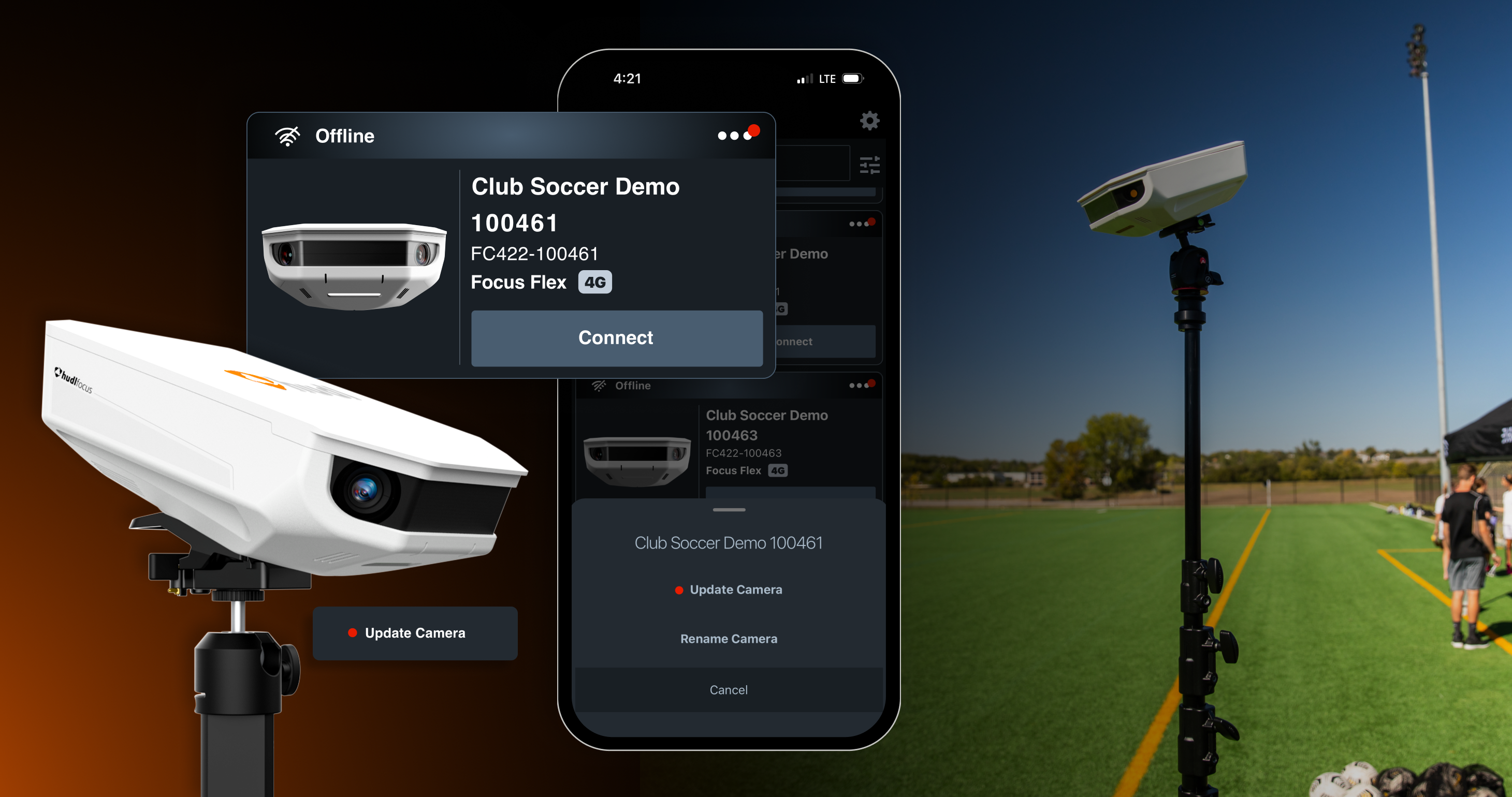
Get ready for filming with Focus Flex.

The portable smart-camera makes filming easy wherever you play. Ensure you’re ready for seamless video all season long with these steps:

Pro Tip: Flex can record more than just the tactical (ball-tracking) angle. You can also choose from the extra wide, left, center, right or manual angle options—up to four at a time

Share your club’s live games and best moments.

Find volunteers to run the scoreboard overlay for your livestreams.
Unlock your maximum potential with reports.

“So I have all this data. Now what?”

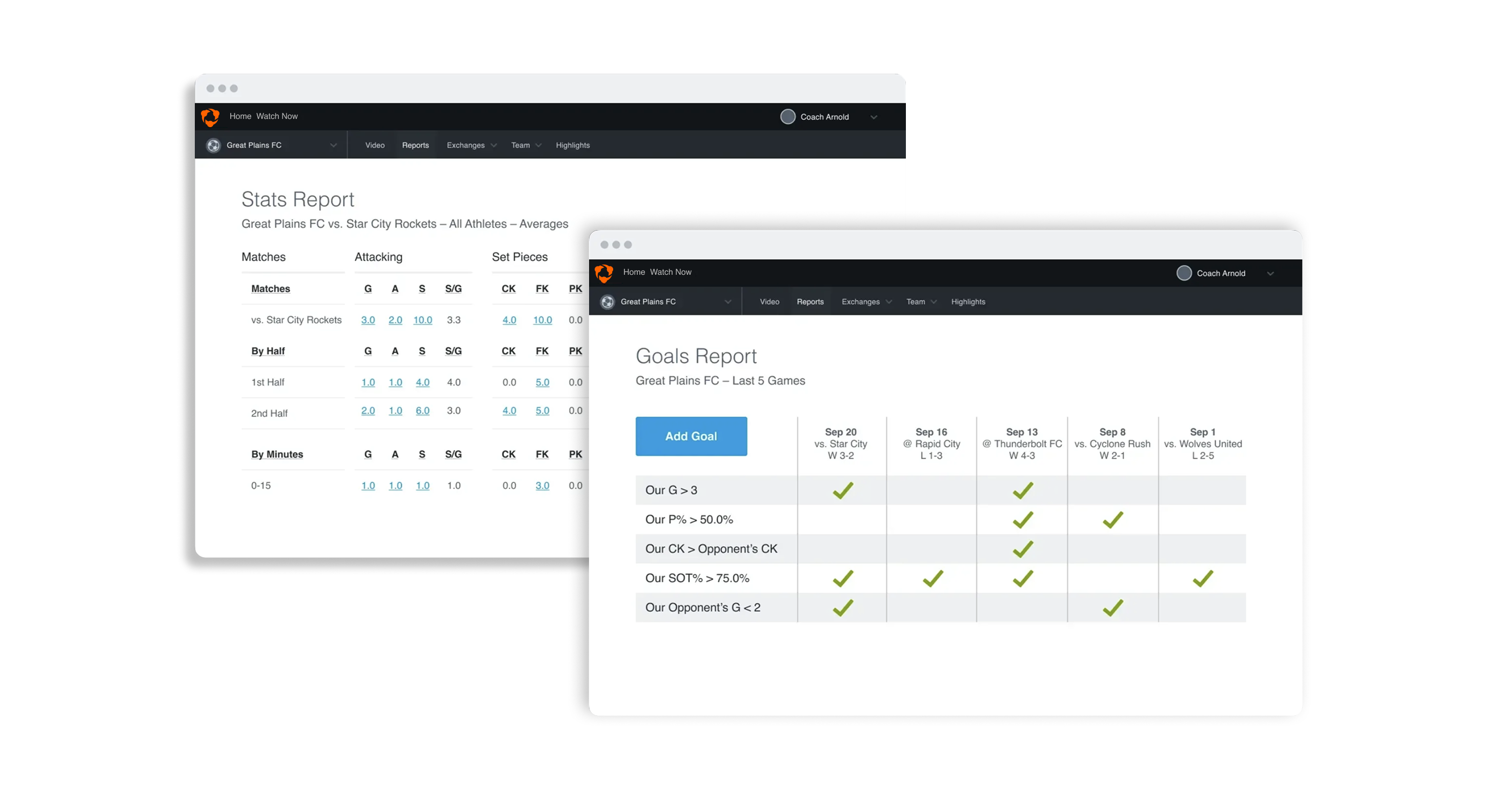
  • Head on over to your Reports page. There, you can see an overview of your team’s stats as the season goes on. Want to see how many shots you average per game? It’s all there on the reports page and linked to video. 
  • Set your team’s goals in the Goals Reports page to hone in on the key metrics for your Game Model. Your goals will automatically track for each game using the stats from that match. 

Support your athletes on their recruiting journey.

  • Remind your athletes to create highlights to share their progress and success.
  • Encourage players to update their Hudl profile with current vitals and achievements. Their profile is a great recruiting tool if it's up-to-date and shared with recruiters.
  • Familiarize yourself with the college search feature. This is a simple way to see how your athletes are managing their recruitment process and provide recommendations on their best fit.

We couldn’t be more excited to help you and your team dominate more matches with video and data this season. Now you’re ready to hit the ground running. 

If you have questions, see our full list of resources at our help center

Phone support for Focus Flex, Livestreaming and Tickets is available when you need it most—seven days a week from 8 am-11 pm CT. Find the number in the Get Help section of the Hudl app.

Good luck this season!