
Film Your Matches. Share the Moments.
Every goal. Every save. Every memory made on the football pitch. The Hudl Football Camera films it all automatically — letting you focus on the action.
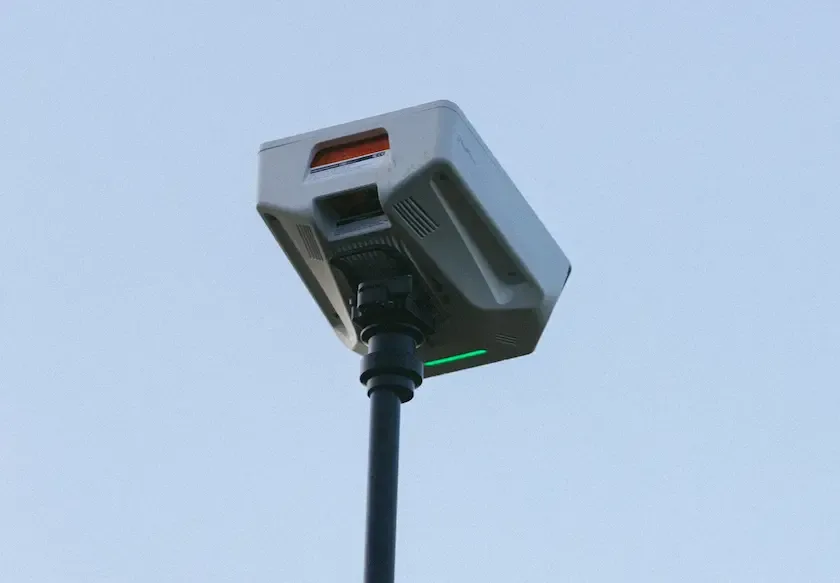
Record Matches Easily with the Hudl Football Camera
Perfect for local football teams to watch back their best bits, without the fuss.

Set up in minutes
Prep it, position it, press record. Simple as that.

HD video, every match
Pro level tactical wide angle. 20+ players always in frame.
Uploads automatically
Via Wi-Fi or 4G*, video is ready before you're home.

Share match recordings
Easily share with players, parents and coaches.

Fits in a backpack
Take it wherever your team plays.
*Coverage is not available in all areas. See full terms.
Get Started in 3 Steps
Filming matches and sharing footage is easy with our simple setup process:

01
Set up. Press Record.
Mount the Camera on the tripod. Press record. AI tracks the ball for the full 90 minutes— you are now working hands-free. Focus on the match, not operating a camera.
02
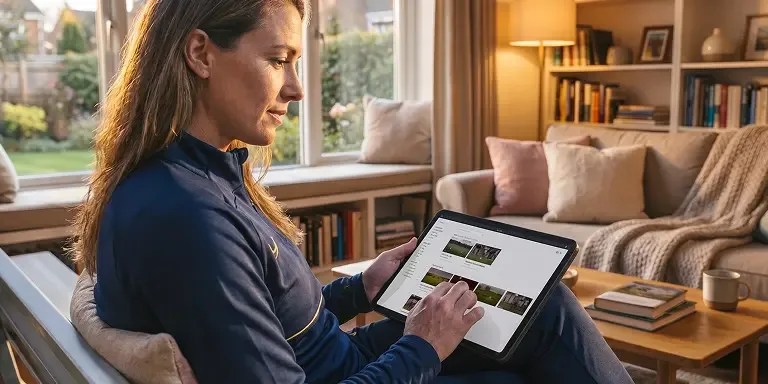
Footage uploads. Automatically.
Connect to Wi-Fi when you get home and the footage uploads itself. Players have clips in the Hudl app before the evening’s over.
03
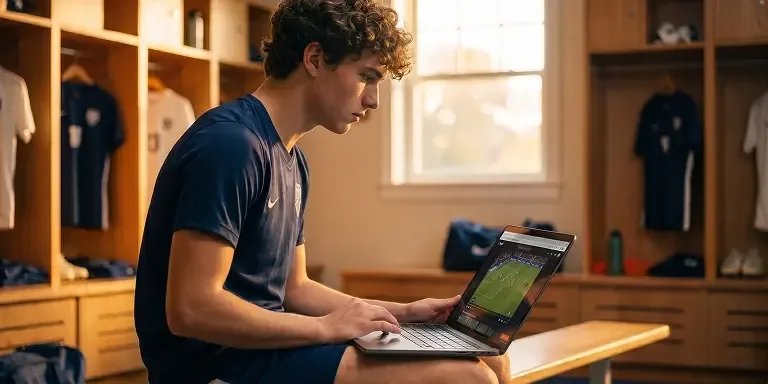
Review. Coach. Grow.
Watch back your match, create clips of the best moments and share with players, parents and coaches quickly and easily.
See the Football Camera in Action
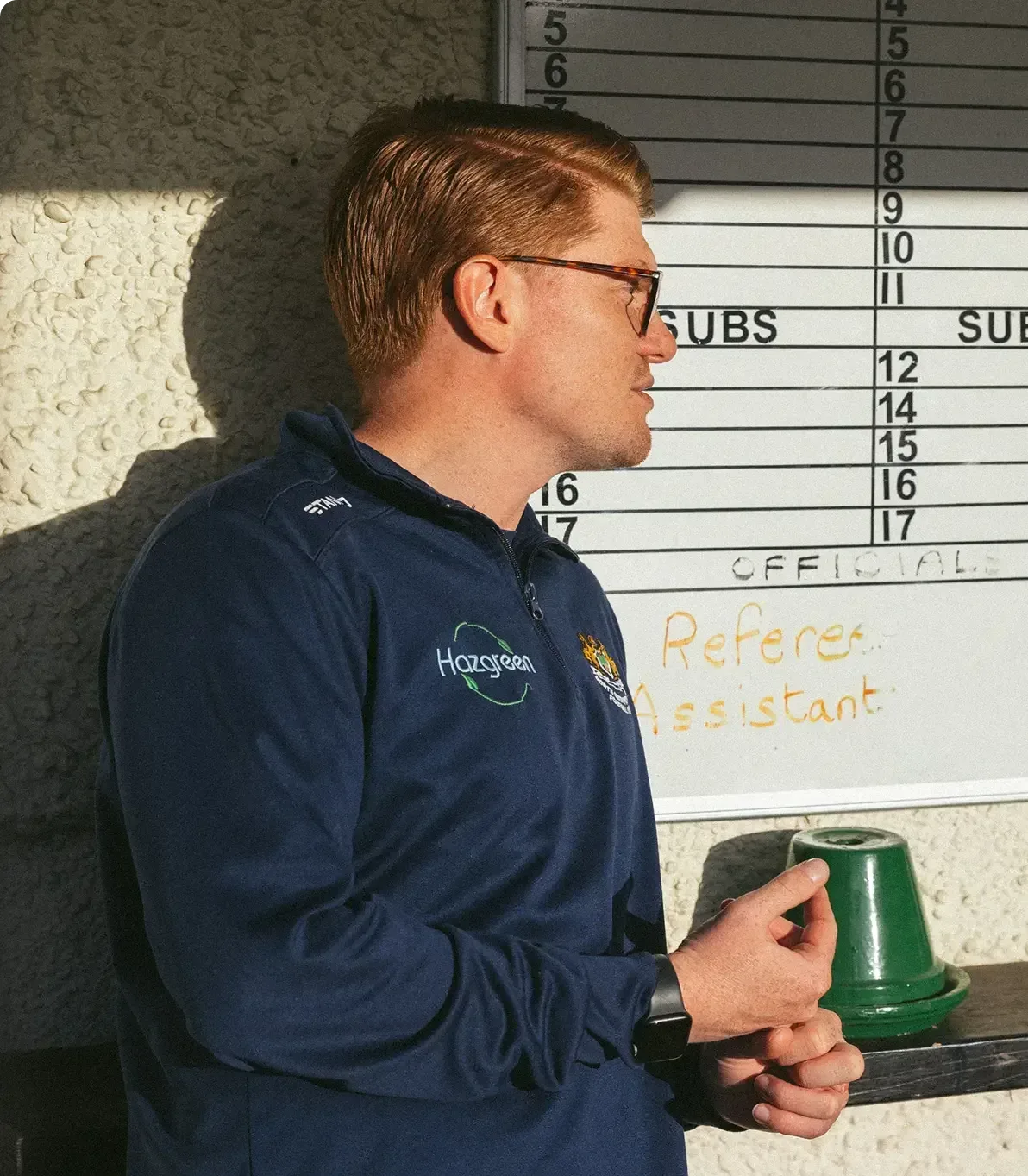
“The Hudl team have been brilliant. They genuinely care — not just about their products, but about grassroots football. No question is too big or too small, and I'm fairly sure I've asked them all. They're always there when you need them.”
Joey Gritt
Manager, North Greenford United FC
Answers to Your Questions
- How do I record with Hudl Focus Flex?
Once you get on-site, set up your camera with the tripod and included stabilisation kit, then calibrate the camera to your pitch using the Focus app. Once calibrated you can begin recording right away, with the ability to extend or stop the recording, livestream and monitor your camera status from your phone.
- How much device storage does Focus Flex have?
Focus Flex cameras have 500GB of storage that allows you to record over 100 matches.
- Does Hudl Focus Flex upload automatically to Hudl?
Yes. In fact, it’s the only camera that uploads automatically to Hudl. Focus Flex automatically uploads your match in-real time via 4G data plan*, Wi-Fi, external hotspot right after the match.
With no additional processing, you’ll be able to get to your game video quickly to make adjustments with your team. Other smart camera systems require you to download the video before uploading it to Hudl yourself.
*Coverage is not available in all areas. See full terms.
- How much does Focus Flex cost?
Hudl Focus Flex is available as a yearly subscription. Pricing is tailored to your club’s setup, so to get an accurate figure, contact us and a member of our team will be in touch.