
 :
Instat Is Evolving. Here's What's New.
:
Instat Is Evolving. Here's What's New.
We're bringing Hudl's video experience into Instat, so your film, playlists, and reports all live in the same place your team already works.
This page is your guide as we roll it out.
Available by September 2026: Your Instat film, inside your Hudl library.
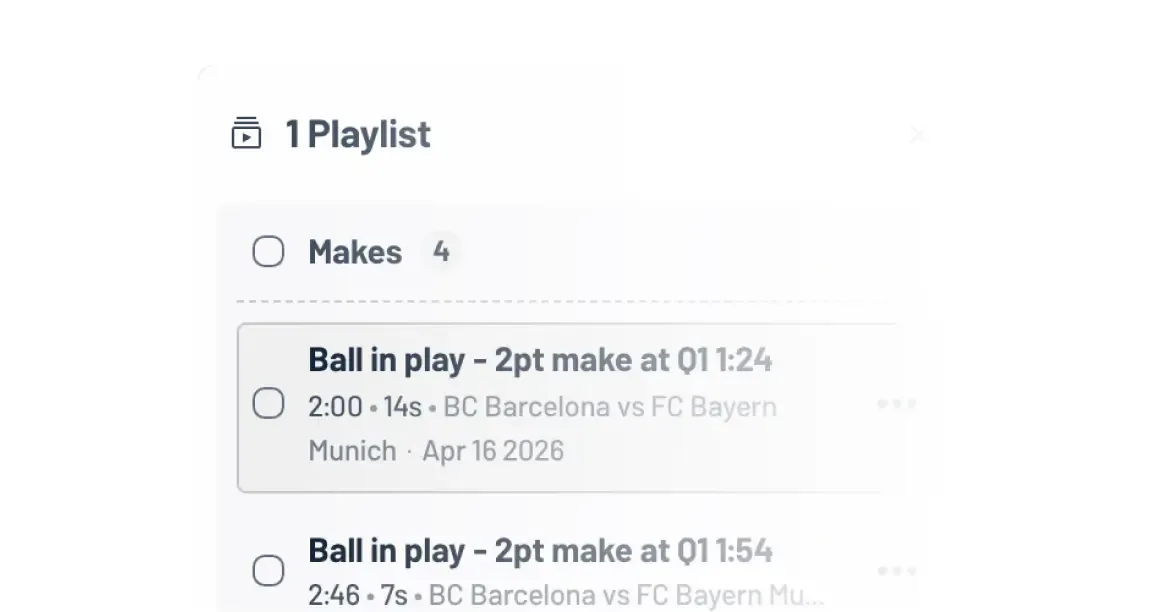
Watch, Clip, and Build Playlists in Hudl
Instat video now opens directly in the Hudl video player. Clip sequences, build playlists, and save everything to your team's Hudl library — all without leaving the platform your program already runs on.
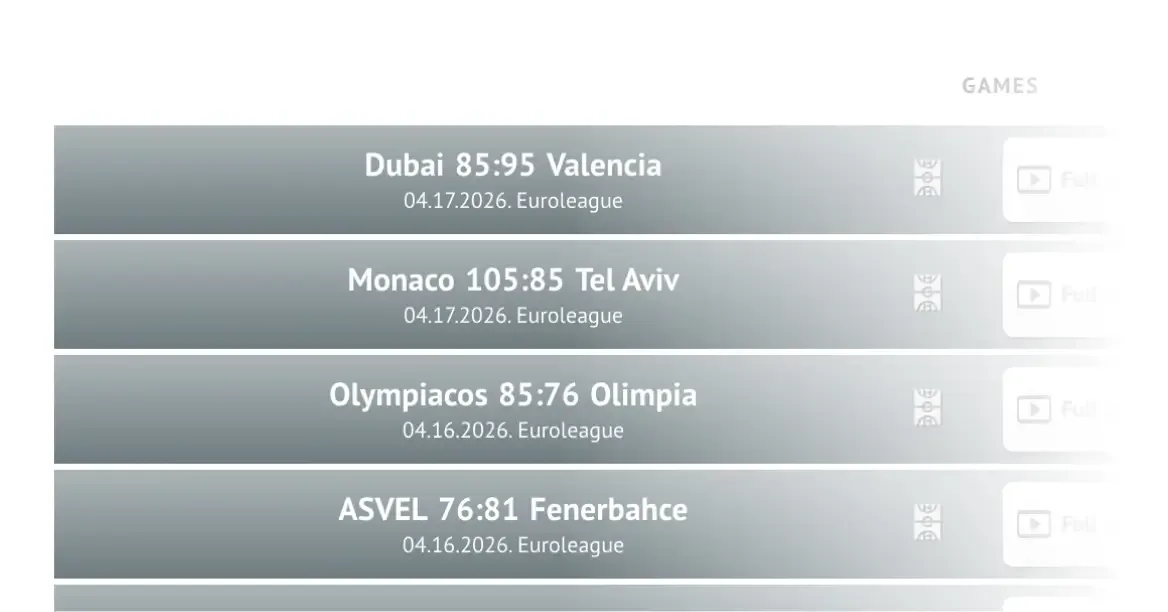
Your Film Lives in One Place
Video saved from Instat goes straight into your Hudl account. No more tracking down clips across two platforms.
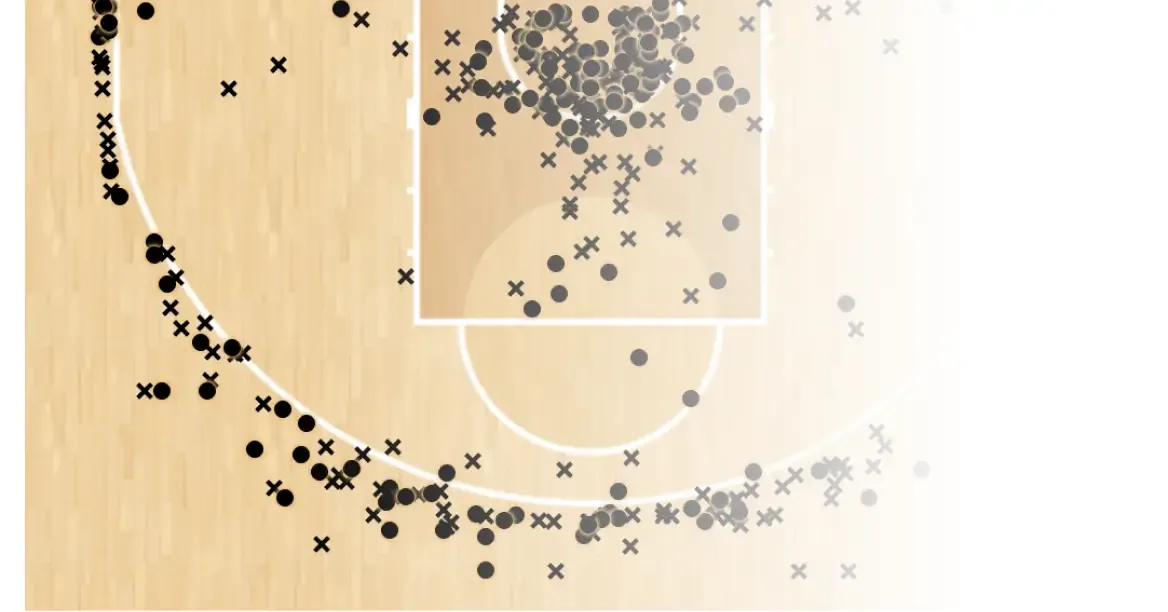
More Reliable Post-Game Reports
The reports you count on after games are now more stable and consistent for subscribers. Less chasing down missing data, more time with the film that matters.
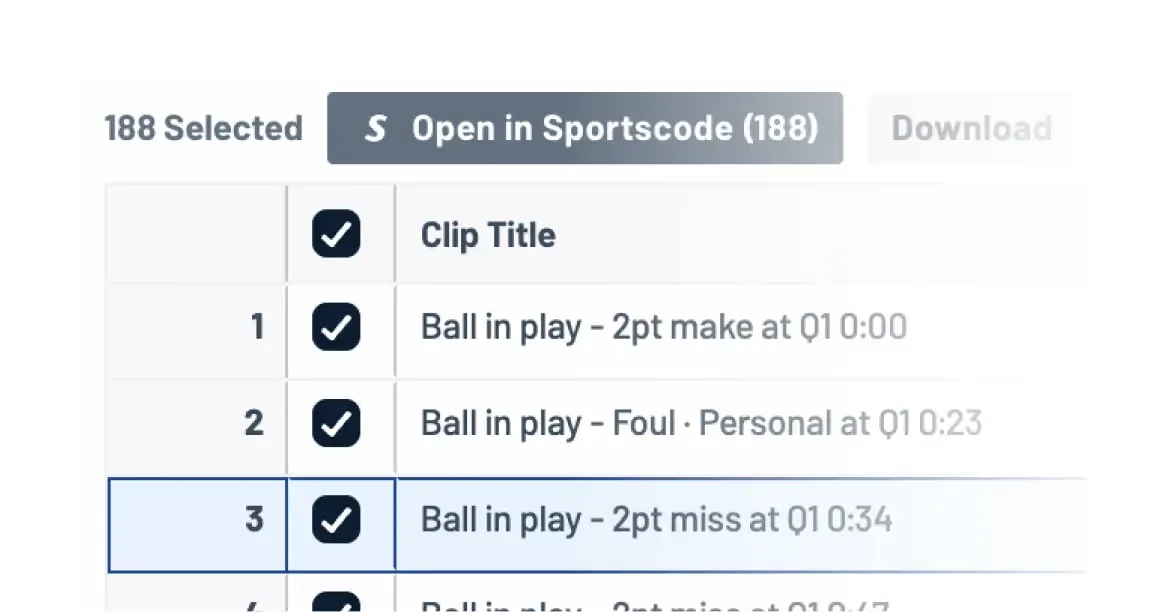
Sportscode Workflow? Unchanged.
If your workflow runs through Sportscode, nothing changes. Clips still open there when you want them to.
Coming Later in 2026: This is just the start. Here’s what’s on the way.
Deeper Integration Across Your Hudl Tools
Your Instat video and data will connect more seamlessly with the rest of your Hudl tools — including scouting reports, play diagrams, and your Hudl library — so everything lives and works in one place.

Redesigned Post-Game Reports
Player and coach reports are getting a cleaner, easier-to-read format with more reliable delivery. Built around how coaches actually use them.
Advanced Telestration Tools
More powerful on-video drawing and annotation tools are on the way, giving you greater control over how you present and teach film to your staff and players.
Not sure where to start?
Your Hudl rep can walk you through what's new and answer any questions about your program's setup.
FAQs
- What exactly is changing about how I watch and clip video?
When you click a video link in Instat, it will now open in the Hudl video player instead of the Instat player. You'll clip, tag, and build playlists in the same environment used across all of Hudl — not a separate interface. Your playlists save directly to your team's Hudl library.
- Do I need a Hudl account to use this?
Most Instat users already have a Hudl account — if you've ever logged into Hudl.com, you're likely all set. You'll still be working inside Instat, but the new playlist experience now connects to Hudl.com, so you'll want to make sure your account is linked to your team. If you run into any trouble, reach out to your Hudl rep and they'll get you sorted quickly.
- I heard something like this was tried before and didn't work. Why is this time different?
You're right that a similar change was attempted and rolled back. This time, the approach is different: a phased rollout with coaches involved earlier and more frequently in testing. We're not moving everyone at once — we're going gradually, monitoring closely, and adjusting as we go.
- Will I still receive post-game reports after the transition?
Yes. Post-game reports will continue without interruption. We'll share more details on timing and any format updates as we get closer to launch.
- Are there any features from Instat that won't be available right away?
The core experience — watching video, clipping, and building playlists — is live. Some more specialized tools, like advanced telestration, are still in development. We're rolling those out based on direct feedback from coaches, and we'll keep you updated as they become available.